
Browse AI Review 2026: The Best No-Code Web Scraper & Data Extractor?
PixelAI Team
March 6, 2026
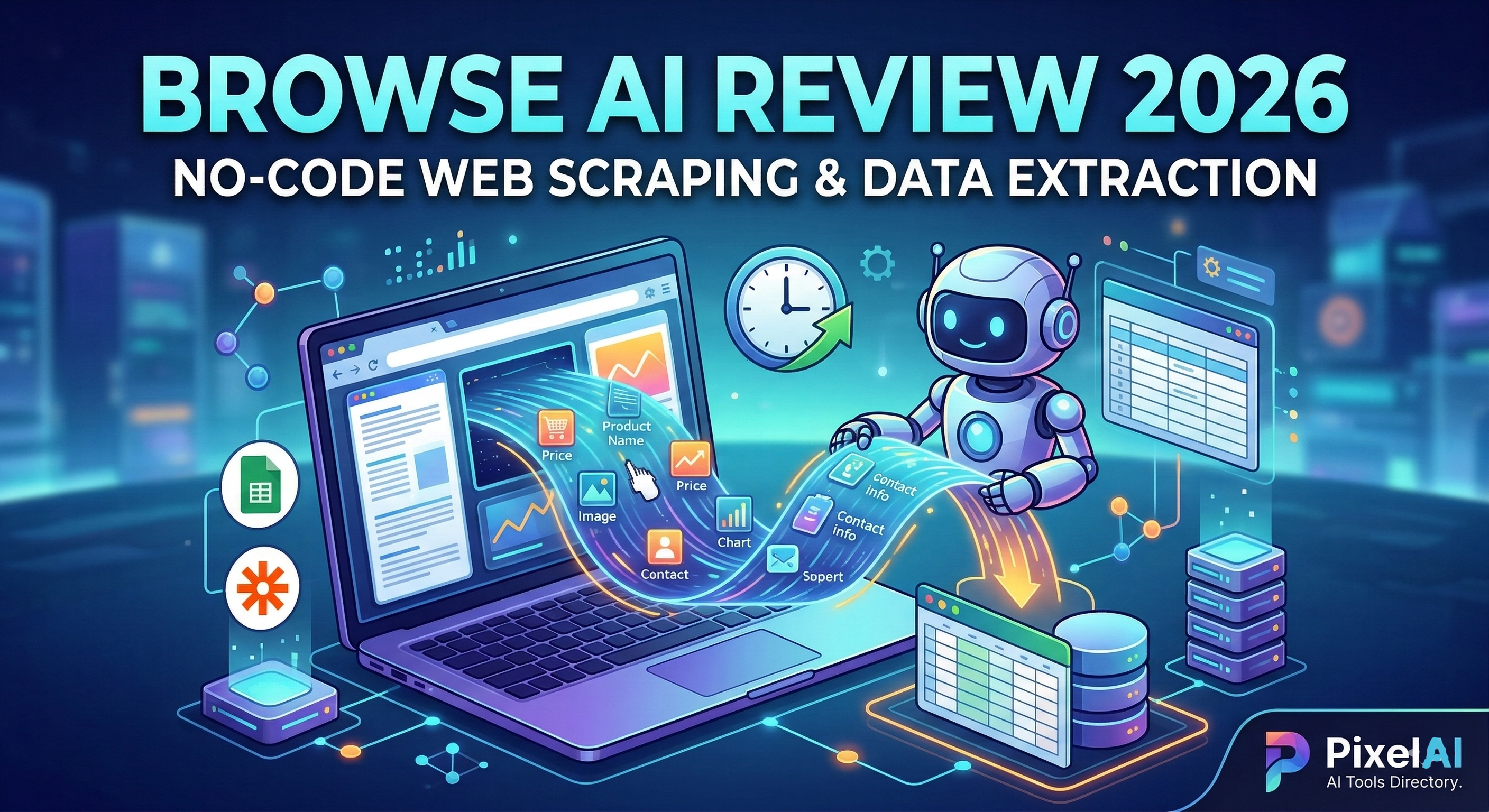
For years, extracting data from websites (web scraping) required hiring a developer or learning complex Python libraries like BeautifulSoup and Selenium. If a website changed its layout, your code broke. In 2026, the landscape has completely shifted thanks to Browse AI.
Whether you are a recruiter scraping LinkedIn profiles, a real estate agent tracking Zillow listings, or an e-commerce brand monitoring competitor pricing, Browse AI promises to automate data extraction with zero coding required.
But with several data extraction tools on the market, is Browse AI the most reliable? Let’s dive into its core features, ease of use, and pricing to find out.
1. No-Code Robot Training: Point, Click, and Extract
The biggest hurdle in web scraping is dealing with complex HTML, pagination, and dynamic content.
Browse AI completely bypasses this with its “point-and-click” robot training. You simply download their browser extension, navigate to the website you want to scrape, and click on the elements you want to capture (like a product name, price, or image). The AI watches your actions, understands the underlying structure, and automatically builds a reliable extraction robot in about 2 minutes. It handles infinite scrolling, pagination, and even solves CAPTCHAs automatically.
Takeaway: Browse AI’s intuitive recording feature democratizes data extraction. If you can browse a website, you can build a scraper.
2. Website Monitoring and Automated Alerts
Extracting data once is helpful, but what if you need to track changes over time?
Browse AI excels at Website Monitoring. You can set your robot to run on a schedule (e.g., every hour, daily, or weekly). If a competitor drops their price, a new job is posted on a company’s career page, or a product goes back in stock, Browse AI detects the change and immediately sends you an alert via email or Slack.
3. Pre-Built Robots for Major Platforms
Don’t want to build a robot from scratch? You don’t have to.
Browse AI offers a massive library of Pre-Built Robots tailored for the most popular websites. With just a few clicks, you can deploy ready-made scrapers for:
- LinkedIn: Extract company data, job posts, or search results.
- Zillow & Redfin: Scrape real estate properties and pricing history.
- Amazon: Monitor product reviews, prices, and seller data.
- Google Maps: Extract local business details and contact info.
4. Seamless Integrations with Your Tech Stack
Scraped data is only useful if it fits into your existing workflow. Browse AI acts as a seamless data pipeline.
You can instantly stream your extracted data into Google Sheets or Airtable in real-time. If you need more complex automation, Browse AI features native integrations with Zapier, Make (Integromat), and Pabbly Connect, allowing you to send data to over 5,000 different apps. For developers, a robust REST API and webhook system are available for custom software integration.
5. Pricing: Is it worth it?
Browse AI operates on a credit-based subscription model, which scales with your data needs.
- Free Tier: Generous enough to test the platform, build a few robots, and run small tasks.
- Starter Plan: Perfect for solo entrepreneurs and small businesses needing regular data monitoring and Google Sheets integration.
- Professional & Team Plans: Designed for high-volume users and agencies, offering faster execution speeds, concurrent tasks, and premium support.
The Final Verdict
If you rely on web data for lead generation, market research, or competitor analysis, Browse AI is an absolute game-changer.
While traditional scrapers break easily and require constant maintenance, Browse AI’s intelligent engine adapts to site changes and requires zero technical knowledge. It transforms the internet into your own personal, structured database, saving you hundreds of hours of manual copy-pasting.
Ready to automate your data extraction in 2 minutes? 👉 Try Browse AI for Free Today
Disclosure: This post contains affiliate links. If you choose to purchase through our links, we may earn a small commission at no extra cost to you.
Ready to launch with Browse AI?
Transform your workflow today with the best of AI-powered tools.